Get started with the cloud in a few clicks
Configure your own virtual data centre in no time. Just drag and drop the components you need in the Data Center Designer.
See how it works in our short explainer video.
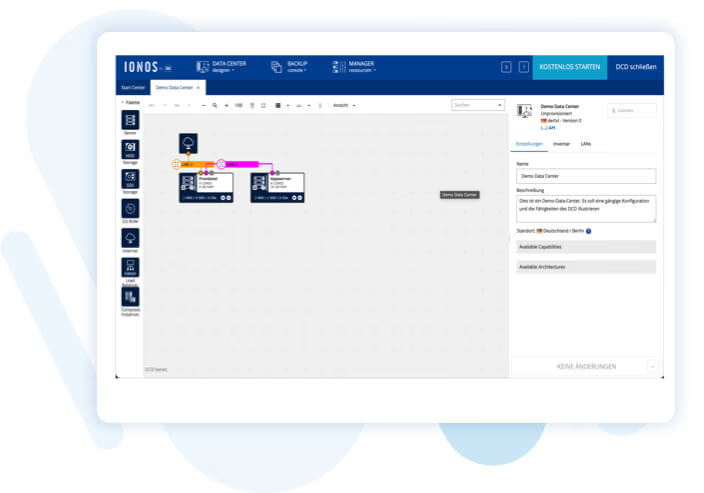
Configuring a virtual data centre with the Data Center Designer
The simple art of IaaS with the DCD of the Compute Engine
Flexible configuration of your company’s IT in the public cloud is a step in the right direction to make your entire infrastructure fit and secure for the future. We developed the Data Center Designer (DCD) to simplify the process of building a virtual data centre. For us it’s all part of the deal in “infrastructure as a service".
The browser-based, graphic user interface in the DCD provides all the tools you need to create and then modify your own data centre in no time at all. Configure your virtual IT infrastructure precisely the way you need it to be.
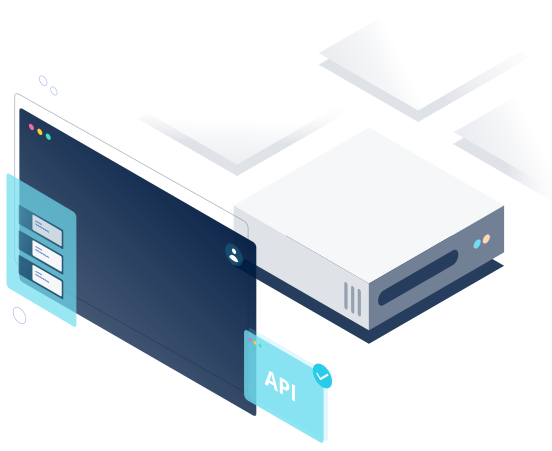
The DCD: Easy to use
The way the Data Center Designer works couldn’t be simpler: You just drag and drop the components you need to a whiteboard and arrange them there. You can’t do anything wrong, either. The Data Center Designer checks the plausibility of your configuration in real time.Start the live demo
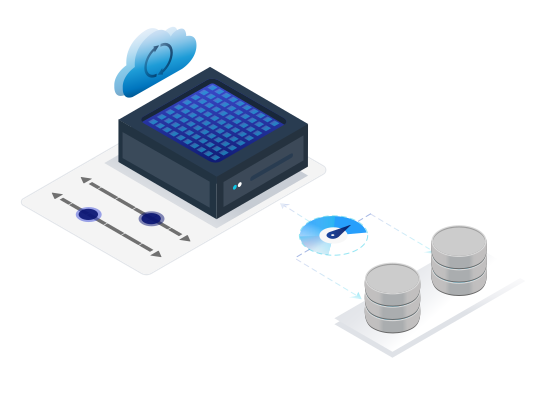
Live Vertical Scaling lets you adjust your resources by operating a slider.
Flexible use of RAM and cores
You can add up to 62 cores and 240 GB of RAM to each server if you pick AMD processors. Intel CPUs allow you to deploy up to 27 hyper-threaded cores and 120 GB RAM per server instance. There’s lots of storage space available as well. Select up to 16 TB HDD storage or 1 TB SSD storage per instance.
The foundation: The Software Defined Data Center (SDDC)
The DCD lets you adjust all the components of your virtual data centre, because the Compute Engine provides you with a Software Defined Data Center (SDDC) that is not restricted to just dedicated hardware. Here, the software is responsible for administration of the abstracted components. Instead of just virtualizing storage or servers, our SDDC provides an entire virtual data centre.
Software defined networking runs in the background to control the interaction between the components. The DCD deals with the task of generating the necessary protocol commands on your behalf.
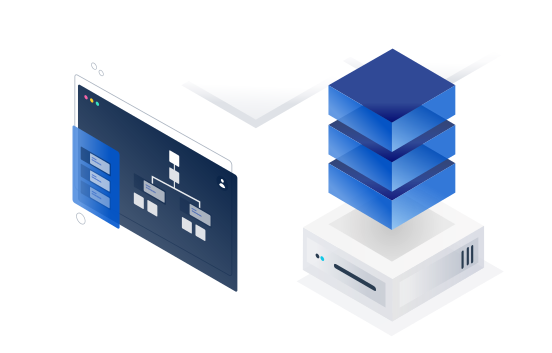
Use the Data Center Designer to manage complex tasks
You can manage even complex settings thanks to the DCD’s outstanding ease of use: The IP Manager let you reserve and manage IP addresses in your virtual network, grant permissions and assign IP blocks to various groups. If DHCP configuration fails, you can also use the DCD to assign IP addresses manually by remote console. The console allows you to access your server even if a connection by SSH or RDP is not possible.
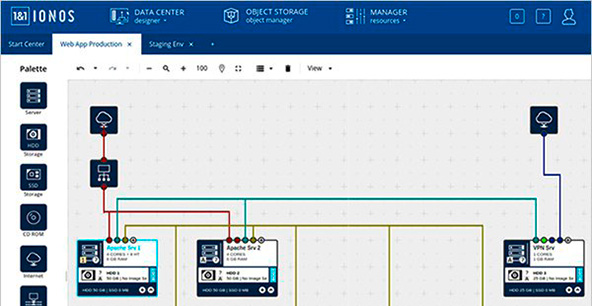
Image Manager included in the DCD
Tailored server operation with automatic start/stop
Access your virtual data centre at any time
You can configure your resources quickly and easily with the Data Centre Designer in Compute Engine – 24/7, even as a hot swap. But not all IT managers like working with a graphic interface, so it is also possible to control your virtual resources by Cloud REST API. You will find plenty more options to customise your infrastructure in our DevOps community, for instance SDKs, tutorials and complete modules for a broad range of micro-services.